 Owlink
Find and replace in files
Search with regular expressions in one file or across a folder. Preview replacements, keep file encodings and line endings, and undo changes.

Owlink is a fast, simple, native text and code editor for the Mac. Its owl, Cedric, offers quiet hints and answers questions with AI that stays on your Mac or your own network. He's off until you want him.
This also puts the cedric command on your PATH.
Newer Homebrew asks you to trust a third-party tap once.
$ brew trust --tap d4rkwyng/tap  # once
$ brew install --cask d4rkwyng/tap/owlink
What's new: an editable folder sidebar, new Finder document icons, and Ask Cedric on the whole document. Built with AppKit and TextKit 2; llama.cpp is bundled for the optional built-in model.
Unsaved tabs, including untitled ones, return when you relaunch. Restore a closed tab, unsaved changes included, with ⇧⌘T. If a file is deleted or moved while its tab is open, Owlink keeps the text and tells you.
TextKit 2 lays out only what's on screen, so Owlink jumps to the end of a 10 MB JSON file in milliseconds.
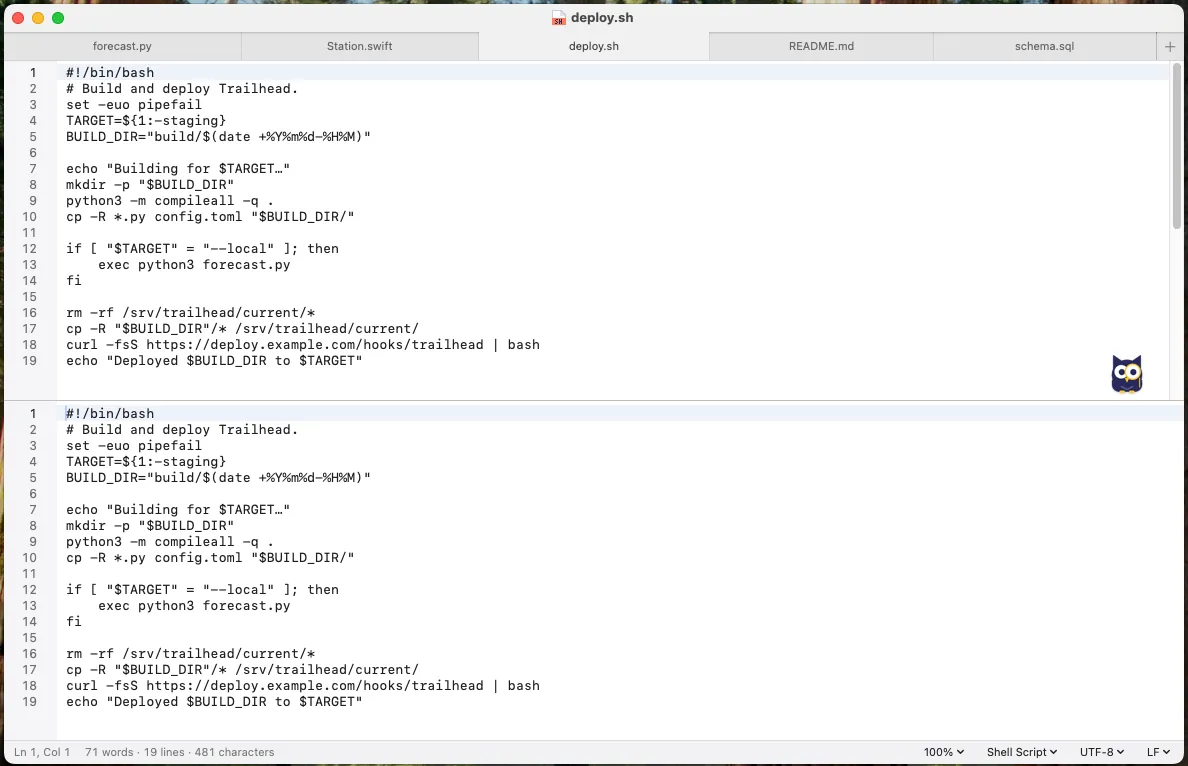
View › Split Editor (⌃⌘\) shows one document in two panes, stacked or side by side. Each pane scrolls, selects and searches independently, and the split returns with your session.

Fold blocks from the gutter; brackets, indentation, block comments, INI sections and Markdown headings are supported. Find, Go to Line and bookmarks open a fold they land in, and folds return with your session.

Preview Markdown and HTML beside the text (⌥⌘P) or in a window, following the theme. JavaScript and network access are off by default, per tab; Markdown exports to HTML or PDF, and CSV and TSV open in a sortable grid.

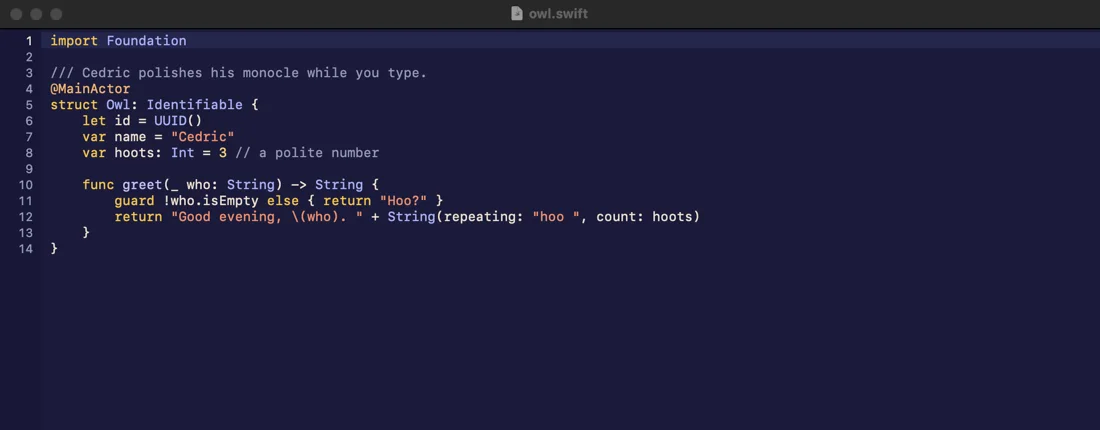
Search with regular expressions in one file or across a folder. Preview replacements, keep file encodings and line endings, and undo changes.
Show a folder tree with ⇧⌘O; right-click for New File…, New Folder…, Rename, Move to Trash… (asks first, goes to the Trash), Reveal in Finder, Copy Path and Find in Folder…. Open tabs follow a rename, a trashed file keeps its unsaved text, and a PDF, image, Office file or certificate opened from the tree keeps the sidebar. The tree tracks disk changes and dims .gitignore files.
On the Mac, PDFs, images, Office and iWork documents open in read-only viewer tabs. Syntax colouring covers Swift, Python, JavaScript, HTML, shell, PowerShell, C and more.
The Markdown Context Bar handles headings, lists, links and preview; ⌘1–⌘3 set heading levels. Writing Mode, Readable Width and a prose font for Markdown and plain text all stay off until chosen.
Style Check, off by default and with no AI, flags filler, redundancies and clichés in prose. A daily word target and its count stay on this Mac, never in the file; click the word count for reading time and a per-file goal.
cedric: open a file at a line (cedric notes.md:42), pipe text into a tab (git log | cedric -), or use it as git's editor (cedric -w).Seven themes meet WCAG AA text contrast (4.5:1). SF Mono is the default; any fixed-pitch font works.
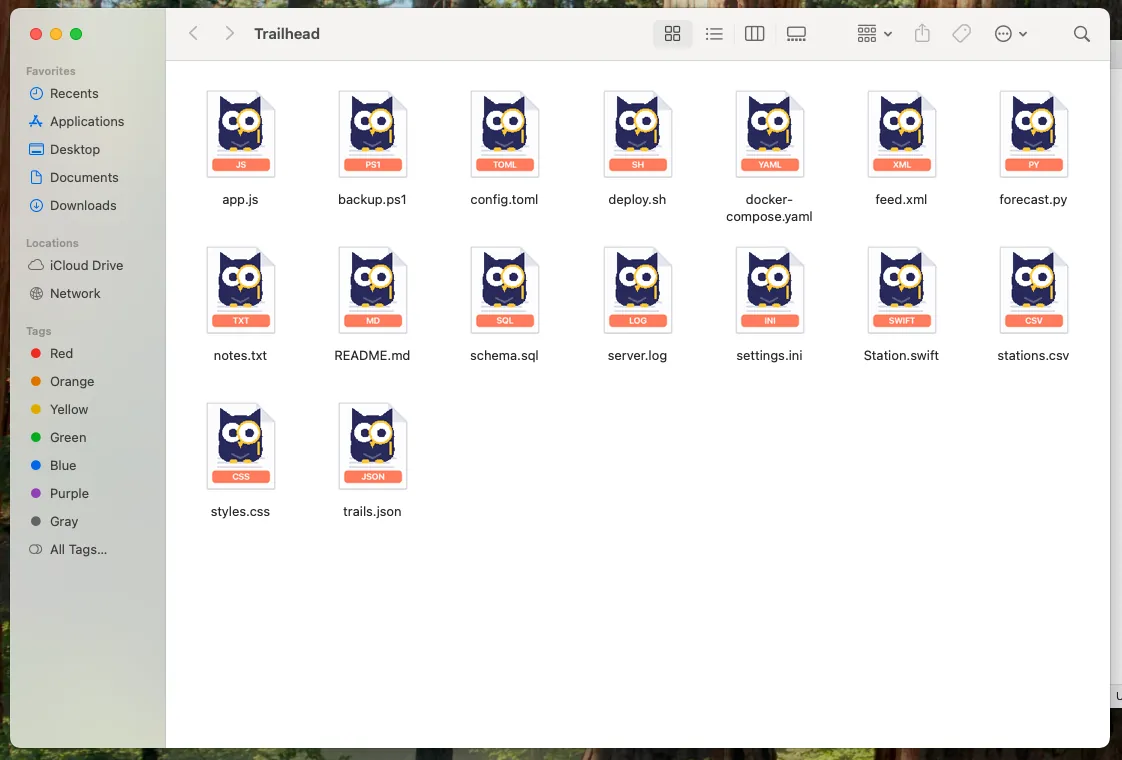
Settings › General lists 17 text types and their current app; choose Owlink or hand a type back. Files set to open in Owlink get new Finder document icons: a near-white page with Cedric and the file type on a coral label.
Owlink never changes defaults on install or update. Markdown, JSON and YAML may open in Owlink where TextEdit does not claim them.
Turn him on with Cedric › Show Cedric. He offers one hint at a time, never moves while you type, and is off by default.




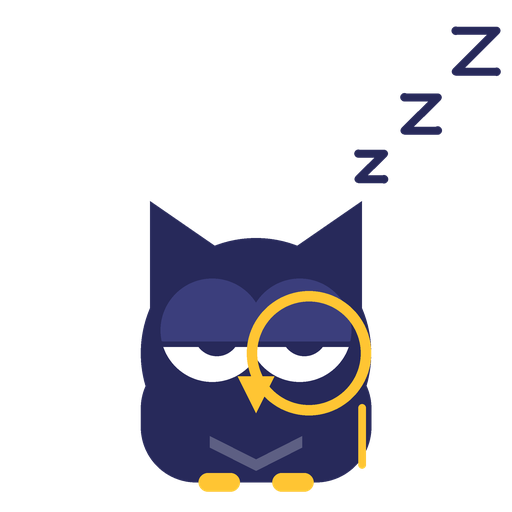
He blinks, waves once per launch, points to hinted lines and nods after a fix. Reduce Motion keeps him still.
These rules run on your Mac without AI. A file up to 8 KB is read whole, including off-screen text; a larger file uses the visible lines plus about 40 lines either side, up to 8 KB, and whole-file rules run only when the entire file fits.
Whitespace rules follow .editorconfig. Text › Text Tools explains regexes, decodes selections and finds TODOs, all offline.
Ask about the whole document by default, or your selection; a scope chip names the lines in use. Explain and Rewrite need a selection, from the Cedric menu, the editor context menu, the Markdown Context Bar, or ⌥⌘E / ⌥⇧⌘E. Check for Risks, Find Problems, Explain and questions can review large files in parts, with progress shown; Rewrite is never split. An edit is never made for you: the built-in Qwen3 4B model proposes changes as Apply / Skip cards, and Apply is one undo step. Apple Intelligence and other models without tools answer in prose; for Rewrite or Add Comments they offer one card for the lines they were shown.
For shell, PowerShell, batch, .reg, Python and Ruby. An offline scan always runs first and lists the lines worth reading; if Ask Cedric is on, a model may then review the script, in parts if it is large. Cedric never calls a script safe: the mildest AI verdict is "No obvious red flags (not a guarantee)", and a clean offline scan is not proof the script is safe.
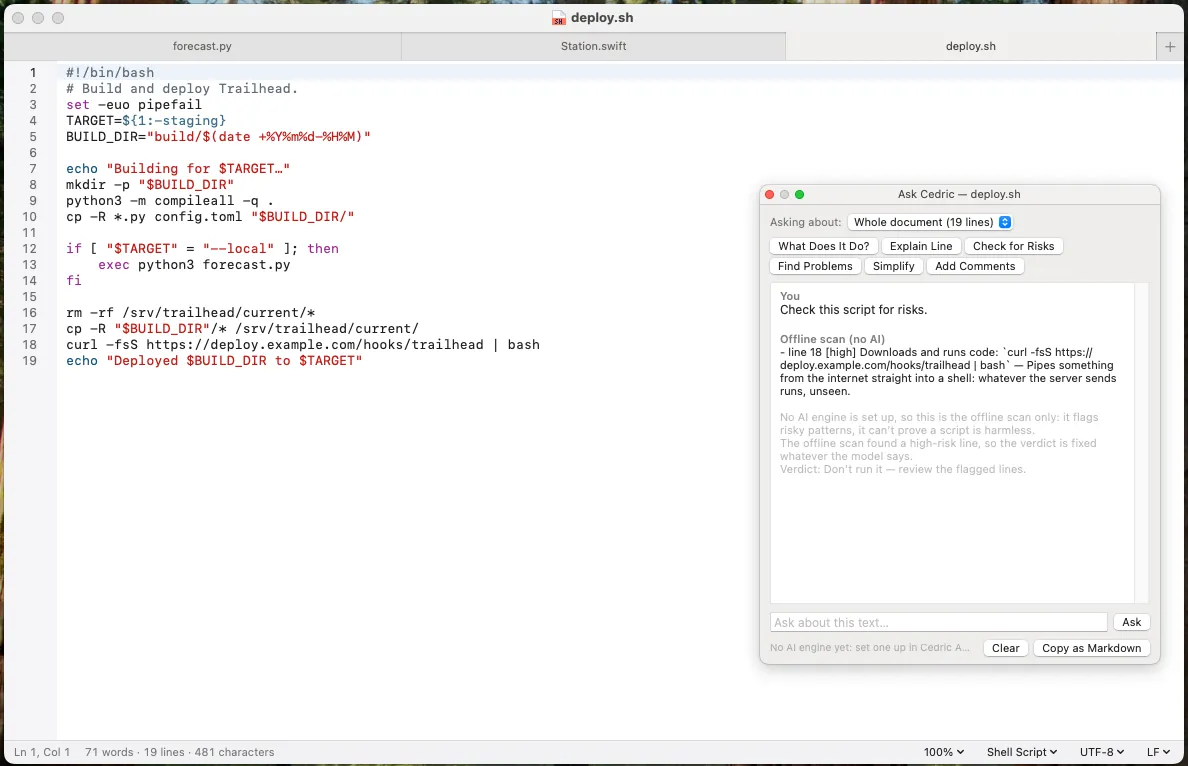
AI is optional and automatic checks are off by default. Ask Cedric uses one of these, never the cloud:
On the device only, on Apple silicon Macs with macOS 26 or later and Apple Intelligence turned on. Never Private Cloud Compute.
A model on this Mac via llama.cpp. Qwen3 4B Instruct is the default; other Qwen models can be downloaded. Models aren't bundled: one is downloaded from Hugging Face only when you click Download. Download first opens a confirmation with the model name, licence name and full bundled licence text; nothing is fetched just to show it, non-commercial terms are flagged, and the download starts only after you confirm.
A server you set, on a private address, such as LM Studio or Ollama on this Mac or another on your network. Automatic checks and automatic AI grammar start off for LM Studio, Ollama and custom servers; the first time you turn them on, Cedric explains that visible text goes to that server on your local network, not the cloud. Apple Intelligence and on-device defaults are unchanged.
Owlink for iPhone and iPad is in private testing, not yet on the App Store.
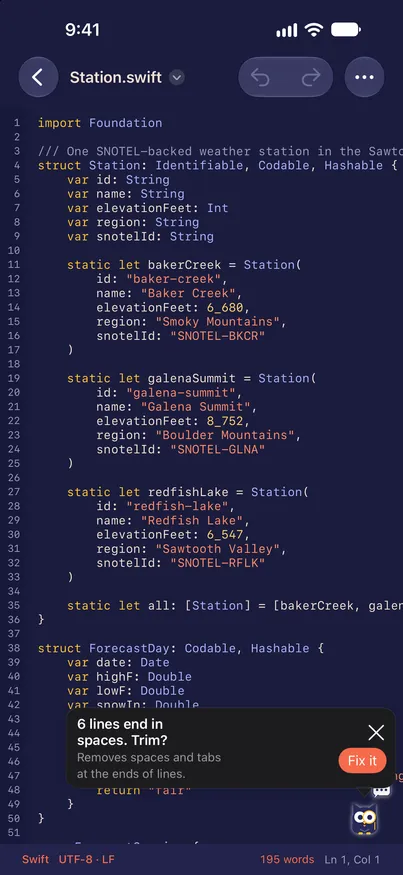
A Cedric hint to trim trailing spaces, from private testing (iPhone)

Markdown source and preview side by side, from private testing (iPad)
macOS 14 Sonoma or later, on Apple silicon or Intel. It's one universal app, signed with a Developer ID and notarized. On Intel Macs Cedric's automatic AI checks start off, so typing stays fast.
Owlink has no accounts, analytics or update checks. It uses the network when you ask it to: downloading a model, letting a preview load remote content, using a model server you set on a private address, or opening a link. If you turn on automatic AI checks or automatic AI grammar and that engine is a server on your network, the text in view is also sent to that server after a pause in typing. Cedric's AI runs on your Mac, or on a server you set at a private address, never the cloud. Apple Intelligence stays on the device and never uses Private Cloud Compute. The full details are in the manual's Privacy section.
In ~/Library/Application Support/Cedric/Session/ on your Mac, in a folder readable only by you and excluded from Time Machine. A closed tab's unsaved text is deleted 30 days after you close it, or sooner if more than 100 such tabs pile up. Downloaded models and Replace in Files undo copies are also kept out of Time Machine.
No. His hints and fixes are rules that need no AI, and Check Script for Risks starts with an offline scan. AI is optional, automatic AI checks are off by default, and AI only adds things like Ask Cedric and plain-English explanations.
Owlink doesn't update itself. Run brew upgrade if you installed with Homebrew, or download the new version from GitHub Releases. Your tabs and settings carry over.
It's in private testing, not yet on the App Store.
Yes, under the BSD-2-Clause licence. The source, manual and changelog are on GitHub. Owlink is built with a combination of models, under d4rkwyng's direction, with review and tests before release.
Fast, native and quiet until you want him.